One Click Answers

OCAEveryday

Share tool
FacebookPinterestEmail

Password Strength Checker

How strong is my password?

Type a password to see an estimate of how hard it is to guess, and what to change.

About this tool & how to use it

What the Password Strength Checker does

Estimates how strong a password is from its length, its kinds of character and common weaknesses. The password stays in your browser and is never sent or stored.

How to use the Password Strength Checker

  1. Type or paste a password into the box. Use the Show button if you want to see it.
  2. Read the rating, the estimated strength in bits and what weakens it.
  3. For a real account, test a similar password rather than the real one.

It stays in this page. It is not sent, saved or looked up anywhere. For a real account, check a similar one rather than the real one.

One click answer

Your answer will appear here.

Fill in the form and your answer appears here as you type.

Related tools

Try another answer

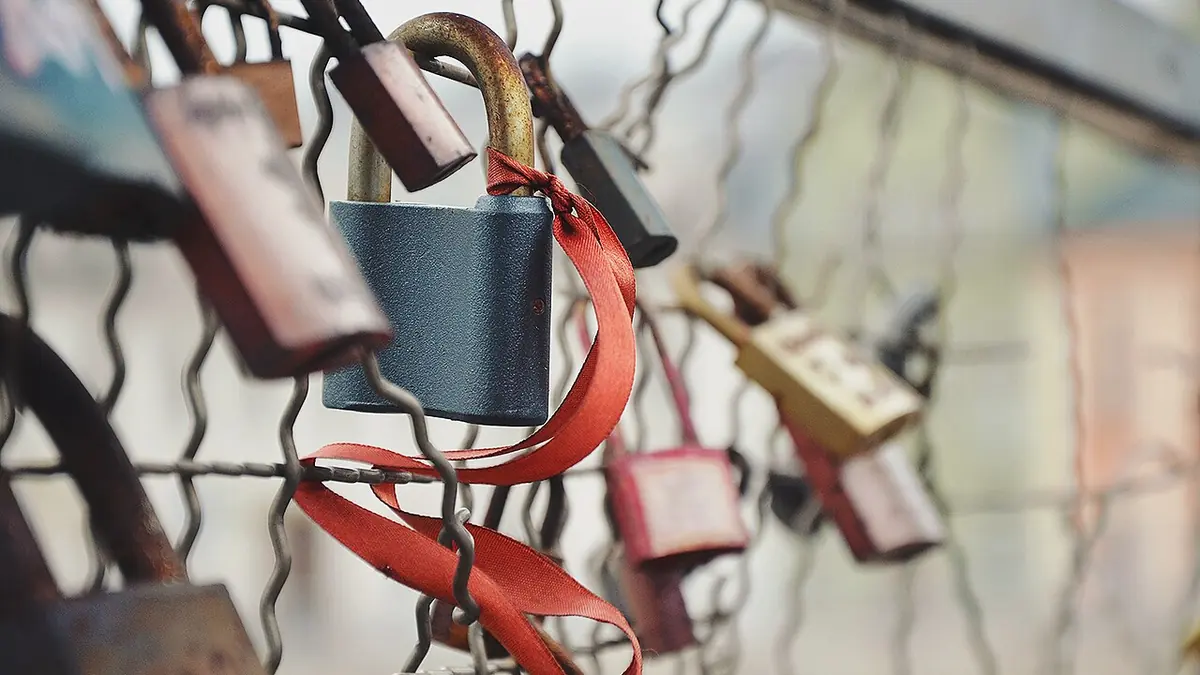
Padlocks hanging on a wire fence
Photo: Sylwia Bartyzel (CC0, via Wikimedia Commons)

How it works

Strength is estimated in bits: the length times the logarithm (base 2) of the number of characters it could have used, which depends on the kinds of character it contains. It is then reduced for what makes a password easier to guess: a repeated character or block, a run such as abc, 4321 or qwerty, a year on the end, and any match with a short list of very common passwords.

Ratings: under 28 bits is Very weak, under 36 Weak, under 60 Fair, under 80 Strong and 80 or more Very strong.

The password is only used inside this page. It is not sent, stored or checked against a breach list, because that would mean sending it. The answer never repeats it.

Assumptions

  • This is an estimate of guessing by chance. It cannot know whether the password was leaked, is reused or is a phrase that is personal to you.
  • Length helps more than any other change: a long random password is stronger than a short complicated one.

Common mistakes

  • Adding a symbol or a year to a short password. A year on the end is one of the patterns the estimate is lowered for, and length helps more than any other change.
  • Taking a high rating as proof the password is safe. The checker cannot know whether a password has leaked or is used on another site, and either makes it unsafe however strong it looks.
  • Building it from a run or a repeat, such as abc, 4321, qwerty or the same block twice. The estimate is lowered for each of these because they are among the first things tried.

Password Strength Checker example

Input: Tr0ub4dor&3

Result: Strong: about 72.3 bits from 11 characters and four kinds of character, with no common pattern found.

Password Strength Checker questions

Is my password sent anywhere?

No. It is checked in your browser. Nothing is sent, saved or looked up.

Does a high rating mean it is safe?

No. It means it is hard to guess by chance. A leaked or reused password is unsafe however strong it looks.

How long should a password be?

Current NIST guidance (Special Publication 800-63B, 2025) says at least 15 characters when the password is the only thing protecting an account, and longer is better. A password manager can make and remember long random ones.

Last reviewed 2026-10-20. Report an incorrect result

Got another question?

Free, no account. Answers show how they were worked out.