One Click Answers

OCAEveryday

Share tool
FacebookPinterestEmail

Password Generator

How do I make a strong password?

Get a strong random password right away, then change the length or the character types, or switch to memorable words.

About this tool & how to use it

What the Password Generator does

Creates a strong random password in your browser, with the length and character types you choose, and copies it in one click.

How to use the Password Generator

  1. A password is ready when the page opens. Copy it with the Copy button.
  2. Change the length or the character types, and a new password appears.
  3. Press Regenerate for another, or make several at once.
  4. For a password you can remember, choose Memorable words: unrelated words joined by hyphens, such as pelican-hammock-mint-glacier-turnip.
Type of password
Length matters most. Longer is stronger.
Include
Options

One click answer

Your answer will appear here.

Choose what to include and click Generate.

Generated in your browser with its secure random number generator. The password is not stored, logged or sent anywhere, and it is never put in the page address.

Related tools

Try another answer

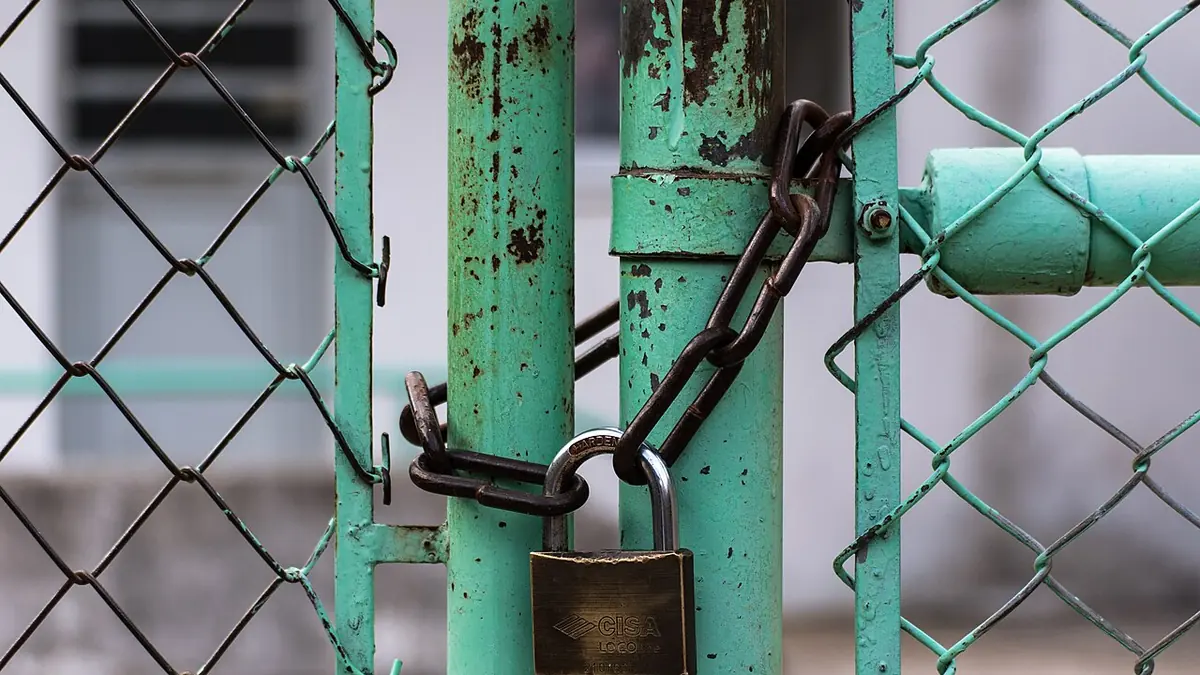
A padlock and chain on a green chain-link gate
Photo: Jason Blackeye (CC0, via Wikimedia Commons)

How it works

Every character is chosen with your browser's cryptographically secure random number generator (crypto.getRandomValues), the same source used for encryption keys. The page never uses the ordinary Math.random function, which is not meant for secrets.

Characters are chosen without bias. A common shortcut (taking a random number modulo the pool size) favours some characters slightly; this tool throws away values that would cause that and draws again, so every character in the pool is equally likely.

Each type you tick is guaranteed to appear. The tool draws whole passwords and keeps one only if it has every type, so the result is still random among all passwords that qualify.

The page states what the password contains and gives an entropy estimate: its length times log2 of the number of characters it could have used. That is an estimate under stated assumptions, not a score, and it makes no promise that a password cannot be guessed.

Memorable words mode picks each word at random from a published list of common words, with the same unbiased routine, and never repeats a word in one password. The words are unrelated because each pick is independent. The strength comes from the number of words and the size of the list, not from keeping the list secret, and the page states that estimate.

The password exists only on this page. It is not stored, logged, sent or placed in the address bar, and it is gone when you close or reload the page.

Assumptions

  • For memorable words, entropy is the sum of log2 of the words left to choose from at each pick (a word is never repeated), plus log2(100) if a number is added; capital letters add none. It assumes an attacker knows the list and the method.
  • Entropy is estimated as length × log2(pool size), assuming each character is chosen independently from the same pool. Requiring every type to appear lowers it slightly.
  • The symbol set is ! @ # $ % ^ & * ( ) - _ = + [ ] { } ; : , . ? ~
  • Look-alike characters removed by the option are I, l, 1, |, O, 0 and o.
  • A strong password only protects an account if it is unique to that account and kept somewhere safe. A password manager is the usual way to keep many.

Common mistakes

  • Using one strong password for several accounts. It is then only as safe as the weakest site that holds it. Use a different one for every account and keep them in a password manager.
  • Picking your own words for a memorable password. Words a person chooses, or a favorite phrase, are far easier to guess than words picked at random, which is what this page does.
  • Switching off character types to suit a site without making the password longer. Fewer kinds of character lower the strength estimate, so add length to make up for it.
  • Expecting any tool to make a password that cannot be guessed. This page makes long random passwords; where you keep them and whether you reuse them matter just as much.

Password Generator example

Input: 20 characters, all four character types

Result: A password such as one made of 20 random letters, numbers and symbols, with a description of how it was made. Every time you press Regenerate it is different.

Password Generator questions

Is this password sent to your servers?

No. It is made and shown in your browser only. Nothing you generate is sent, stored or logged.

How long should a password be?

Longer is stronger. Current NIST guidance (Special Publication 800-63B, 2025) says at least 15 characters when the password is the only thing protecting an account. Some sites limit length or symbols, which is what the options are for.

Why not use Math.random?

It is a general-purpose generator and is not designed to be unpredictable. Passwords should come from a secure source, which is what this page uses.

Are memorable passwords made of words safe?

They can be, if they are long enough and the words are chosen at random, as this page does. Five random words from the list give about 49 bits of entropy and each extra word adds about 10 more. A password you invent yourself from words you like is much easier to guess.

Can you guarantee a password is secure?

No tool can. This page makes passwords that are random and long enough to resist guessing. Where you store it, and whether you reuse it, matter just as much.

Last reviewed 2026-10-20. Report an incorrect result

Got another question?

Free, no account. Answers show how they were worked out.